AI Grader for Teachers
Discover how an AI grader for teachers streamlines grading, saves time, and offers precise feedback, enhancing the educational process and student learning outcomes.
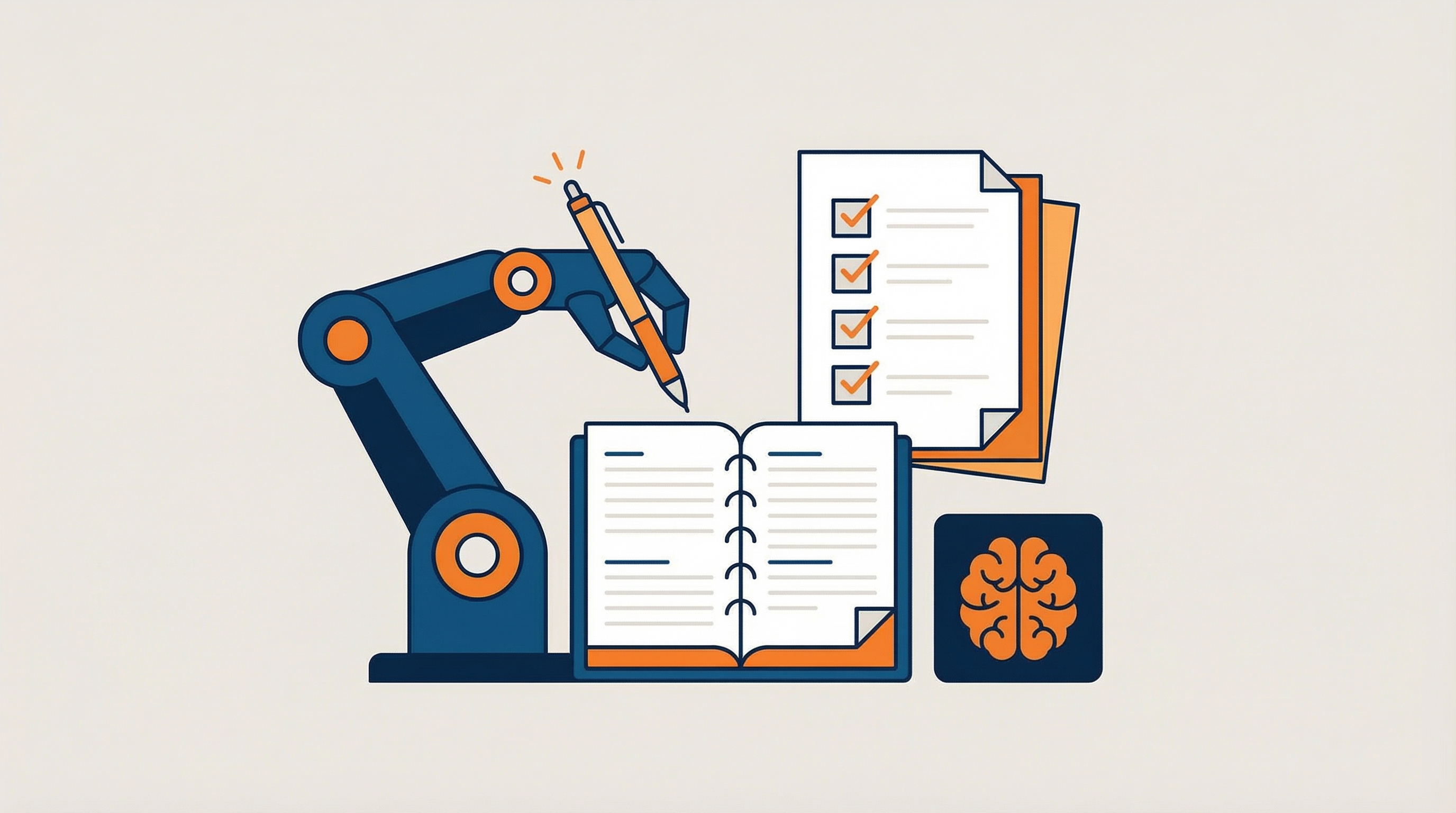
AI Grader for Teachers
AI grading assistants are changing how educators deliver consistent, timely, high‑quality feedback. Instead of spending hours on repetitive comments, teachers can calibrate an AI grader to their rubric, generate formative guidance at scale, and devote more time to conferencing, re‑teaching, and coaching. This article explains what AI graders do, when to use them, how to set one up, and how to maintain academic integrity and student privacy.
What Is an AI Grader?
An AI grader analyzes student work—essays, short responses, lab reports, design reflections, code submissions—and produces rubric‑aligned comments and draft scores. Most tools support teacher‑provided rubrics, configurable tone, and references to evidence from the submission. Think of it as a fast first pass that surfaces patterns and suggestions; final evaluation remains with the teacher.
When to Use an AI Grader
- Formative drafts: Speed up feedback on early drafts so students can iterate quickly.
- Large cohorts: Maintain quality and consistency when grading many submissions.
- Comment banks: Generate reusable, standards‑aligned comments to standardize tone.
- Trend analysis: Identify class‑wide gaps (e.g., weak evidence, unclear claims) from aggregate patterns.
- Calibration: Use exemplars to align expectations across a teaching team.
Benefits for Teachers and Students
- Time savings: Batch feedback and auto‑generated comment banks reduce repetitive work.
- Consistency: Rubric alignment and exemplars help standardize scoring across classes and sections.
- Actionable guidance: Specific comments—“strengthen claim with textual evidence,” “explain steps,” “fix subject‑verb agreement”—guide revision.
- Faster cycles: Quick feedback enables additional drafts and more deliberate practice.
- Data‑informed instruction: Aggregate trends reveal misconceptions and skills to reteach.
How AI Graders Work (At a Glance)
- Input: Teacher uploads rubric and student work or connects an LMS.
- Analysis: The model evaluates text against criteria and cites excerpts.
- Output: Draft comments, revision suggestions, and (optionally) a provisional score.
- Review: Teacher edits/approves and returns feedback; calibration improves later results.
Set‑Up: Calibrate Your AI Grader
- Rubric: Use a standards‑aligned rubric with 3–4 performance levels and clear descriptors.
- Samples: Gather 3–5 anonymized submissions across performance levels with teacher comments.
- Upload: Provide rubric and samples to the tool; evaluate its draft outputs.
- Tone: Specify voice (“supportive, student‑friendly, specific, non‑judgmental”).
- Run a pilot: Batch process one class set; spot‑check and refine prompts/criteria.
Designing a High‑Quality Rubric
- Observable criteria: Favor “cites textual evidence” over “good analysis.”
- Level descriptors: Distinguish Beginning/Developing/Proficient/Advanced with specific markers.
- Student‑friendly language: Convert outcomes into “I can” statements.
- Exemplars: Include samples for each level; ask the AI to compare work to exemplars.
Choosing AI Grading Tools (Keywords and Considerations)
When comparing ai grading and feedback platforms, focus on rubric support, privacy controls, LMS integration, and accuracy. Some ai grading software specializes in writing; others can review lab reports or code. If you need ai for grading papers across subjects, prioritize tools that let you customize categories and comment banks. Many ai grading tools for teachers offer calibration with exemplars and tone controls. If you’re exploring free ai grading for teachers to pilot, check data retention and export options. Above all, keep teacher oversight—ai grading should accelerate your process, not replace professional judgment.
- Automatic grader for teachers: Batch process drafts, then edit comments before release.
- AI grading tools vs. grading tools for teachers: Look for rubric alignment, evidence citations, and CSV/JSON export.
- AI grading for teachers: Ensure the workflow fits your course policies and revision cycles.
- AI grader for teachers: Favor systems that clearly cite lines/paragraphs in feedback.
Comment Quality: Specific, Evidence‑Based, Actionable
- Specific: “In paragraph 2, the quote lacks context; add a short lead‑in.”
- Evidence‑based: “Your claim (line 5) needs a citation from the article (author, year).”
- Actionable: “Add 1–2 sentences explaining why the data supports your conclusion.”
- Supportive tone: “You’ve identified the key steps—now clarify why step 3 matters.”
Example Workflows by Subject
ELA: Literary Analysis Essay
Prompt to AI: “Assess this draft with the rubric. Highlight claim clarity, evidence quality, and reasoning. Provide 3 strengths, 3 next steps, and 2 sentence‑level edits.”
Expected AI output: Notes on thesis specificity, evidence integration, and reasoning; next steps such as adding a secondary source and improving transitions; two sample edits to model tone and mechanics.
Science: Lab Report
Prompt to AI: “Score the report on question, methods, data, analysis, and conclusion. Identify data‑to‑claim gaps and propose an additional control.”
Expected AI output: Feedback on clarity of research question, data presentation quality, and whether conclusions are justified; suggestion to add a control or address confounding variables.
Math: Proof or Problem Explanation
Prompt to AI: “Check reasoning completeness and notation accuracy. Flag leaps without justification and suggest where to add intermediate steps.”
Expected AI output: Pinpointed comments on inference gaps, missing definitions, and notation fixes; suggestion to add an example.
Computer Science: Code Review
Prompt to AI: “Evaluate correctness, readability, and complexity. Suggest refactors (naming, modularization) and one test case that exposes an edge condition.”
Expected AI output: Specific comments on function boundaries, variable naming, and cyclomatic complexity; a failing test idea that improves robustness.
From Draft to Revision: Closing the Loop
- Student self‑assessment: Provide the rubric and have students rate their own draft first.
- AI + teacher feedback: Share AI comments, then add teacher priorities.
- Revision plan: Students list 2–3 targeted changes before redrafting.
- Evidence of change: Require highlighted revisions or brief annotations.
Summary
AI graders use NLP and machine learning to evaluate diverse student work quickly and consistently, providing detailed, timely feedback at scale. They save educators time, support personalized learning, inform instruction and professional development, and enable more innovative assessment methods. Successful implementation requires high-quality, unbiased data, robust privacy protections, and ongoing human oversight to ensure fairness and contextual judgment. Thoughtful integration can enhance student-centered learning while maintaining accuracy and equity.
Data and Instructional Insights
Aggregate feedback can reveal class‑level trends (e.g., weak evidence, weak transitions). Use these signals to plan mini‑lessons, small‑group reteach, or targeted warm‑ups. Over time, track improvement in specific rubric domains to evaluate instructional strategies.
LMS and Workflow Integrations
- Gradebook: Export scores/comments as CSV/JSON for import where supported.
- Comment banks: Maintain snippets organized by rubric criterion and proficiency level.
- Checklists: Auto‑generate checklists to pair with feedback for self‑monitoring.
Academic Integrity and Fairness
Communicate that AI supports formative feedback; the teacher is the final arbiter. Calibrate with diverse exemplars to reduce bias. When possible, ask the AI to cite specific evidence from the student work to justify comments. Avoid punitive use; focus on growth and transparency.
Privacy and Security
Use district‑approved tools and avoid uploading personally identifiable information to non‑vetted systems. Store drafts and artifacts within approved environments. Provide students with a short privacy statement explaining how their work is processed.
Limitations and Pitfalls (with Fixes)
- Hallucinations: Require evidence‑backed comments; spot‑check outputs; tune prompts.
- Over‑scoring: Include exemplars and anchor papers; ask for rationale for each score.
- Generic tone: Provide style guidelines and sample comment bank; adjust temperature if available.
- Equity concerns: Regularly review outputs across subgroups; refine descriptors and examples.
Implementation Roadmap
- Pilot: Choose one course/assignment and define success metrics (turnaround time, student revision quality).
- Train: Share rubric design tips and comment bank examples with your team.
- Iterate: Collect student and teacher feedback; refine rubrics, prompts, and workflows.
- Scale: Expand to more assignments; standardize exports and LMS processes.
Prompts You Can Copy (and Adapt)
- Rubric‑aligned feedback: “Using this rubric, give 3 strengths and 3 next steps that reference specific lines from the submission. Keep a supportive, student‑friendly tone.”
- Evidence checks: “Identify claims that lack evidence; suggest 1 quotation or data point to add for each.”
- Revision plan: “Summarize the top two priorities for revision and provide a short checklist the student can follow.”
- Bias guardrail: “Before scoring, list potential sources of bias for this kind of task and explain how you will avoid them. Then proceed.”
Comment Bank Starters
- Claims & evidence: “Your claim is clear; now add a quotation with context and citation to support it.”
- Reasoning: “Explain how your evidence supports your claim—add 1–2 sentences of analysis.”
- Organization: “Add a transition phrase to connect these ideas and guide the reader.”
- Conventions: “Watch subject‑verb agreement in the first paragraph; here’s an example fix.”
Rollout Checklist (Quick Wins)
- Rubric ready: Clear, observable criteria with level descriptors and exemplars.
- Pilot scope: One assignment in one section; define success metrics up front.
- Workflow: Decide where AI fits (first‑pass comments, trend analysis, or both) and when humans review.
- Privacy: Use district‑approved tools; avoid PII; communicate how student work is processed.
- Calibration: Review a sample of outputs weekly; update prompts/comment bank as needed.
From Grading to Growth
The real value of an AI grader is not just faster marking—it is a better learning loop. When feedback is timely, specific, and supported by exemplars, students revise more purposefully. Teachers reclaim time for explanation and coaching. With a calibrated rubric, transparent policies, and thoughtful integration, AI‑assisted grading becomes a lever for growth rather than a shortcut.
FAQs
- What are AI graders, and what kinds of student work can they evaluate?
- AI graders are software tools that use artificial intelligence to assess student work against defined criteria. Beyond written assignments and multiple-choice tests, they can analyze oral presentations and creative or artistic projects by detecting patterns, structure, and quality.
- How do AI graders work and improve over time?
- They use natural language processing and machine learning to compare submissions against large sets of sample responses, identify patterns, and evaluate both content and form. Trained on extensive datasets, models are refined through updates, improving accuracy and relevance of feedback.
- What are the main benefits for educators and students?
- They save time, provide consistent and objective grading, deliver instant and detailed feedback, scale to large classes, and support innovative assessment models like project-based and formative assessments.
- What challenges and risks should educators consider when using AI graders?
- Accuracy depends on high-quality, diverse training data and ongoing monitoring. Privacy and security safeguards are essential because tools handle sensitive data. Human judgment remains vital for fairness, context, and nuance.
- How can schools implement AI graders responsibly to enhance student-centered learning?
- Pair AI with human oversight, provide transparent criteria, and support teacher review and student appeal. Use diverse datasets, update models regularly, enforce robust data protection, and leverage AI insights to tailor instruction and emphasize formative feedback.