Vibe Coding: The Future of AI-Powered Programming for K12 Students
Discover vibe coding, the revolutionary approach to programming that combines AI assistance with visual interfaces. Learn how vibe coding transforms education and empowers K12 students to create without traditional coding barriers.
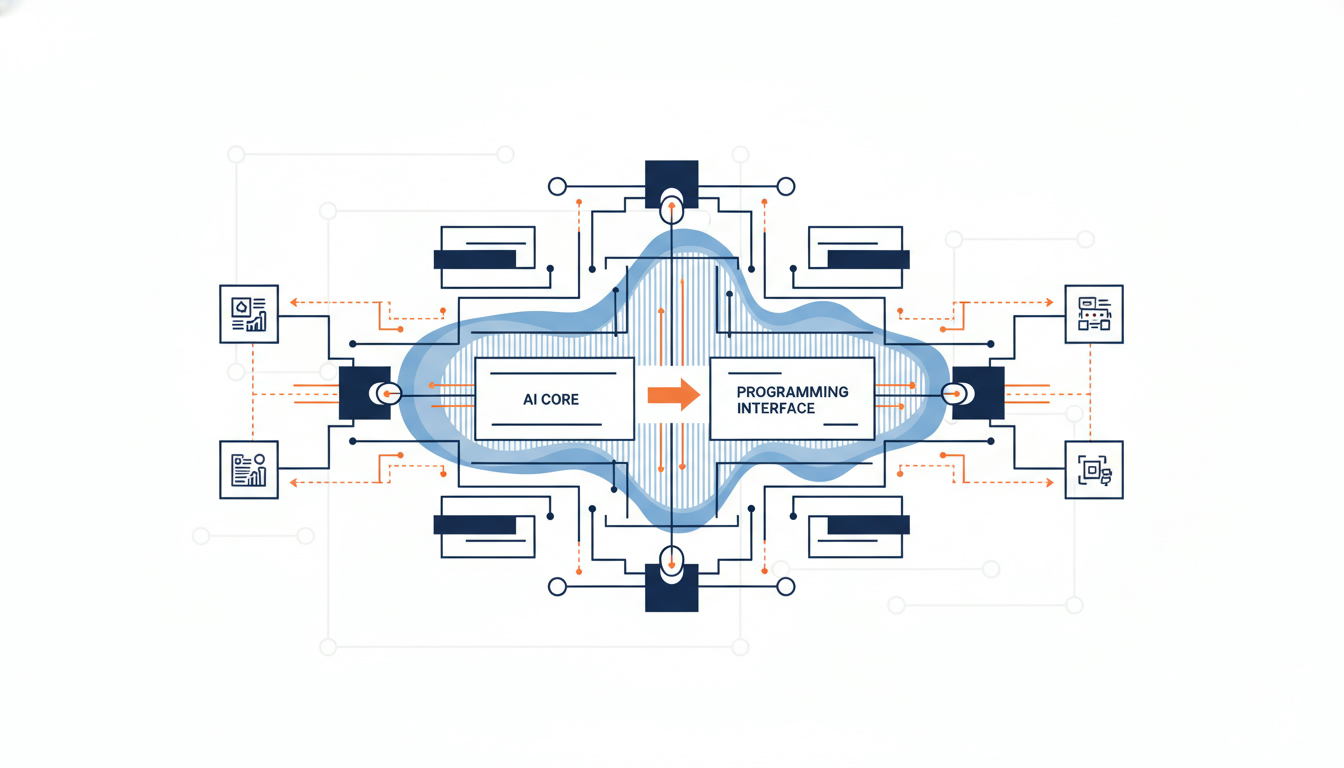
Vibe Coding: The Future of AI-Powered Programming for K12 Students
What is Vibe Coding?
Vibe coding represents a paradigm shift in how we approach programming education. Unlike traditional coding that requires memorizing syntax and debugging line by line, vibe coding leverages artificial intelligence to transform natural language descriptions and visual concepts into functional code. This innovative approach makes programming accessible to K12 students who may have been intimidated by conventional coding methods.
At its core, vibe coding is about expressing your creative intent—your "vibe"—and letting AI tools handle the technical implementation. Students describe what they want to build in plain language, sketch out interfaces, or provide examples, and the AI generates working code that matches their vision. This democratizes software development and allows learners to focus on problem-solving and creativity rather than syntax errors.
The Evolution from Traditional Coding to Vibe Coding
Traditional programming education has long followed a bottom-up approach: students learn variables, loops, conditionals, and data structures before building anything meaningful. While this foundation is valuable, it can be demotivating for young learners who want to see immediate results.
Vibe coding flips this model. Students start by creating functional projects from day one, learning programming concepts contextually as they build. The AI assistant acts as a knowledgeable mentor, explaining why certain approaches work and suggesting improvements. This top-down learning aligns with how humans naturally acquire skills—through doing, experimenting, and iterating.
The transition to vibe coding doesn't mean abandoning traditional programming knowledge. Instead, it provides a more engaging entry point. As students gain confidence through vibe coding projects, they naturally develop curiosity about the underlying code, leading to deeper technical understanding over time.
Key Components of Vibe Coding
1. Natural Language Programming
The foundation of vibe coding is the ability to describe what you want in everyday language. Students can write prompts like "Create a quiz app that tracks scores and shows results with animations" and receive functional code. This removes the barrier of syntax memorization and allows learners to focus on computational thinking and design.
2. Visual Interface Design
Vibe coding platforms often include visual editors where students can drag, drop, and arrange UI components. The AI then generates the corresponding code, teaching students the relationship between visual design and code structure. This visual-first approach is particularly effective for younger learners and visual thinkers.
3. Iterative Refinement
One of the most powerful aspects of vibe coding is the ability to iterate quickly. Students can request modifications like "make the buttons bigger" or "add a dark mode" and see changes instantly. This rapid feedback loop accelerates learning and encourages experimentation without the fear of breaking things.
4. Contextual Learning
As students engage in vibe coding, AI assistants provide explanations about the generated code, introduce relevant programming concepts, and suggest best practices. This just-in-time learning is more effective than abstract lessons because students immediately see how concepts apply to their projects.
Benefits of Vibe Coding for K12 Education
Increased Accessibility
Vibe coding dramatically lowers the entry barrier to programming. Students with dyslexia, ADHD, or other learning differences often struggle with traditional coding's strict syntax requirements. Vibe coding allows them to express ideas naturally and succeed in computer science education.
Faster Project Completion
With vibe coding, students can complete projects in hours that would traditionally take weeks. This acceleration means more time for creativity, experimentation, and building a diverse portfolio of work. Teachers can cover more ground in a semester, exposing students to web development, mobile apps, games, and data visualization.
Enhanced Creativity
When students aren't bogged down by syntax errors and debugging, they can focus on creative problem-solving. Vibe coding empowers learners to bring ambitious ideas to life, whether that's an interactive story, a social impact app, or a game with custom mechanics. This creative freedom increases engagement and motivation.
Real-World Skill Development
Professional developers increasingly use AI coding assistants in their daily work. By learning vibe coding, students develop skills that directly transfer to modern software development careers. They learn to write effective prompts, evaluate AI-generated code, and collaborate with AI tools—all essential competencies for the future workforce.
Vibe Coding Tools and Platforms
Several platforms have emerged to support vibe coding in educational settings:
- AI Code Generators: Tools like GitHub Copilot, Cursor, and Replit AI enable students to write code through natural language prompts and receive intelligent suggestions.
- Visual Development Environments: Platforms such as Bolt.new and v0.dev allow students to describe interfaces and generate complete web applications through vibe coding interactions.
- Educational AI Assistants: Purpose-built tools for K12 education provide age-appropriate vibe coding experiences with built-in safety features and curriculum alignment.
- Multimodal Coding Tools: Emerging platforms accept sketches, screenshots, or voice descriptions as input, making vibe coding even more intuitive and accessible.
Implementing Vibe Coding in the Classroom
Start with Clear Learning Objectives
Before introducing vibe coding, define what students should learn. Are you focusing on computational thinking, UI/UX design, problem decomposition, or specific programming concepts? Vibe coding can support all these goals, but clarity helps structure lessons effectively.
Scaffold the Experience
Begin with guided vibe coding exercises where students modify existing prompts and observe the results. Gradually increase complexity, allowing students to create original projects. Provide prompt templates and examples to help students learn effective communication with AI tools.
Emphasize Code Review
A critical skill in vibe coding is evaluating AI-generated code. Teach students to read through the code, identify what each section does, and verify it meets requirements. This develops code literacy even without writing every line manually.
Balance AI Assistance with Fundamentals
While vibe coding accelerates development, students still benefit from understanding core concepts. Use vibe coding projects as motivation to explore topics like variables, functions, and data structures. The AI-generated code becomes a learning resource rather than a black box.
Foster Ethical AI Use
Discuss responsible vibe coding practices with students. Topics include giving credit to AI tools, understanding code before using it, respecting licensing, and recognizing the limitations of AI-generated solutions. These conversations prepare students for ethical technology use throughout their lives.
Vibe Coding vs. Traditional Coding: A Comparison
| Aspect | Traditional Coding | Vibe Coding |
|---|---|---|
| Learning Curve | Steep; requires syntax mastery | Gentle; natural language interface |
| Time to First Project | Weeks to months | Hours to days |
| Focus | Syntax and debugging | Problem-solving and design |
| Accessibility | Challenging for some learners | Inclusive and adaptable |
| Skill Development | Deep technical knowledge | AI collaboration and evaluation |
| Industry Relevance | Foundational but evolving | Aligned with modern workflows |
Challenges and Considerations in Vibe Coding
Code Quality and Understanding
One concern with vibe coding is that students might use code they don't understand. Educators must emphasize code review and comprehension. Encourage students to explain what their AI-generated code does and modify it to deepen understanding.
Over-Reliance on AI
There's a risk that students become dependent on AI tools and struggle when they're unavailable. Balance vibe coding with traditional coding exercises to ensure students can problem-solve independently. Teach vibe coding as a tool that enhances, not replaces, human creativity and logic.
Privacy and Data Security
When using vibe coding platforms, consider data privacy implications. Choose tools with strong privacy policies, especially for K12 students. Avoid having students input personal information into AI systems, and review terms of service carefully.
Equity and Access
While vibe coding can increase accessibility, it requires internet access and sometimes paid subscriptions. Schools must ensure equitable access to vibe coding tools so all students can benefit, regardless of socioeconomic background.
The Future of Vibe Coding
As AI technology advances, vibe coding will become even more powerful and intuitive. We can expect:
- Multimodal Interfaces: Future vibe coding tools will accept voice commands, hand-drawn sketches, and even gestures as input, making programming truly universal.
- Personalized Learning: AI will adapt vibe coding experiences to individual student needs, providing customized challenges and explanations based on learning style and progress.
- Collaborative Vibe Coding: Students will work together in shared vibe coding environments, with AI facilitating teamwork and helping resolve conflicts in design decisions.
- Cross-Platform Development: Vibe coding will enable students to create applications that work seamlessly across web, mobile, and emerging platforms like AR/VR with a single set of prompts.
- Integration with Curriculum: Vibe coding will be woven into subjects beyond computer science, allowing students to create interactive projects for history, science, math, and language arts.
Getting Started with Vibe Coding Today
Educators and students can begin exploring vibe coding immediately:
- Choose a Platform: Select a vibe coding tool appropriate for your students' age and skill level. Many offer free tiers for education.
- Start Small: Begin with simple projects like creating a personal webpage or a basic calculator. Focus on the vibe coding process rather than complex functionality.
- Iterate and Experiment: Encourage students to modify AI-generated code, try different prompts, and see how changes affect the output. Vibe coding thrives on experimentation.
- Build a Portfolio: Have students document their vibe coding projects, including the prompts they used and what they learned. This portfolio demonstrates both technical and communication skills.
- Join the Community: Connect with other educators exploring vibe coding. Share lesson plans, discuss challenges, and celebrate student successes.
Conclusion: Embracing the Vibe Coding Revolution
Vibe coding represents more than a new tool—it's a fundamental shift in how we think about programming education. By removing barriers and emphasizing creativity, vibe coding makes computer science accessible to all students, regardless of background or learning style.
As educators, our role is to guide students in using vibe coding responsibly and effectively. We must teach them to be critical consumers of AI-generated code, to understand the fundamentals that underpin their projects, and to use vibe coding as a springboard for deeper learning.
The future of programming is collaborative, intuitive, and creative. Vibe coding prepares students for this future while making the journey engaging and empowering. Whether you're a teacher looking to revitalize your computer science curriculum or a student eager to bring your ideas to life, vibe coding offers an exciting path forward.
Start your vibe coding journey today and discover how AI-powered programming can transform education and unlock every student's potential to create, innovate, and shape the digital world.
FAQs
- What is vibe coding and how does it differ from traditional programming?
- Vibe coding is an AI-powered approach to programming where students describe what they want to build in natural language, and AI generates the code. Unlike traditional coding that requires memorizing syntax, vibe coding focuses on creative problem-solving and design, making programming accessible to all learners.
- How to get started with vibe coding in the classroom?
- Start by choosing an age-appropriate vibe coding platform with a free education tier. Begin with simple projects like personal webpages, provide prompt templates, and gradually increase complexity. Emphasize code review so students understand what the AI generates.
- How to ensure students understand AI-generated code in vibe coding?
- Require students to explain what each section of AI-generated code does before using it. Have them modify the code, add comments, and present their projects. Balance vibe coding with traditional coding exercises to build foundational understanding.
- What are the best vibe coding tools for K12 students?
- Popular vibe coding tools for education include GitHub Copilot for Students, Replit AI, Cursor, and visual platforms like Bolt.new and v0.dev. Choose tools with strong privacy policies, educational pricing, and age-appropriate content filters.
- How to balance vibe coding with learning programming fundamentals?
- Use vibe coding projects as motivation to explore core concepts like variables, functions, and data structures. Have students analyze AI-generated code to identify patterns, then practice writing similar code manually. Vibe coding accelerates learning but should complement, not replace, foundational knowledge.
- How to address concerns about students becoming over-reliant on AI in vibe coding?
- Teach vibe coding as a collaborative tool, not a replacement for thinking. Include assessments where students code without AI assistance, explain algorithmic thinking, and debug code manually. Emphasize that vibe coding enhances human creativity and problem-solving rather than replacing it.